

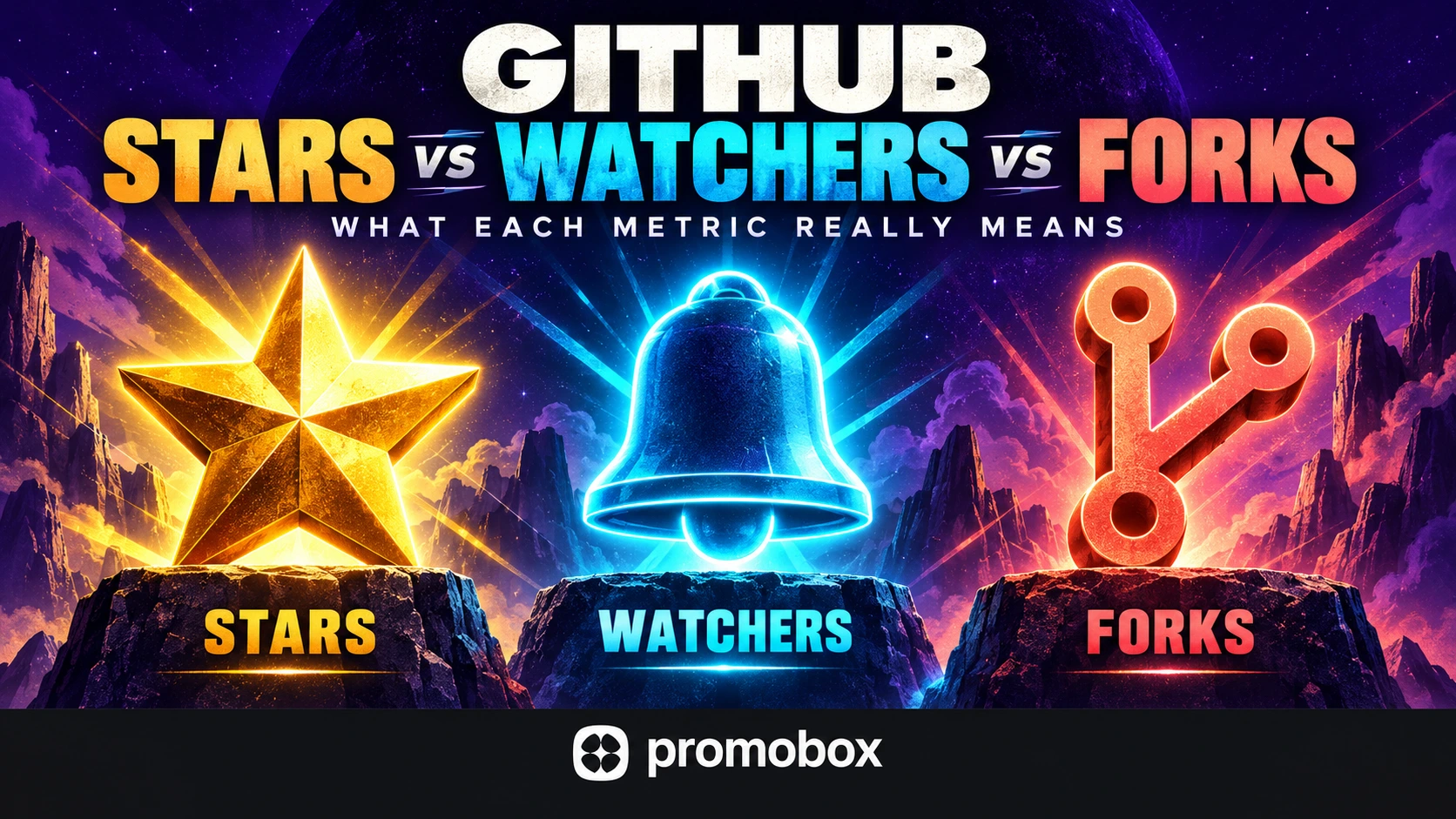
GitHub stars, watchers and forks measure different actions. Stars let people save a repository and express interest or appreciation. Watchers subscribe to notifications about repository activity. Forks are separate repositories that begin as copies of an upstream repository and remain connected to it. None of these counts alone measures active users, software quality or ongoing contributions. Read them as distinct signals, not interchangeable measures of adoption.
GitHub Stars, Watchers and Forks at a Glance
| Metric | User action | What the count establishes | What it does not establish |
|---|---|---|---|
| Stars | Star a repository | Accounts that currently starred it | Downloads, active usage or contributions |
| Watchers | Subscribe to repository notifications | Notification subscriptions | Notifications read or active participation |
| Forks | Create a separate connected repository | Forks represented by the repository’s count | Active development or pull requests |
The same account can star, watch and fork a repository. Adding these counts together does not produce a unique audience.
Choose the metric according to the question. Are you assessing visible interest, notification subscriptions or activity in separate copies? If your question concerns usage or contributions, you need additional evidence.
What GitHub Stars Actually Mean
A GitHub star is a repository-level action used to save a project or show appreciation. It does not belong to the maintainer’s profile, and starring does not automatically subscribe someone to repository notifications.
GitHub’s documentation explains that starring helps users find projects again and discover related content. It also states that star counts influence some repository rankings and the presentation of popular repositories in Explore. These are documented discovery uses, not promises of particular placement. See Saving repositories with stars.
Users can remove stars. The current total therefore differs from the number gained during a reporting period.
For analysis, record both the total and its change over comparable dates. Describe the change accurately: a net increase is not necessarily the same as all new stars received, because removals can occur during the same period.
Do not label either figure “new users” without separate usage data.
What GitHub Watchers Actually Mean
GitHub watchers subscribe to notifications about repository activity. Watch settings let users select notification preferences, including particular event types such as releases, issues or pull requests. A watcher should not be described as receiving every update. GitHub explains these options in Configuring notifications.
The count establishes a notification relationship, not whether someone reads those notifications or participates in development.
Watchers are also different from repository visitors. Someone can visit a project without subscribing, while a subscription alone does not establish a recent visit.
Profile followers represent another relationship: following an account rather than watching a particular repository.
When reporting watcher growth, use language such as “notification subscriptions increased.” Avoid translating that directly into “the active community grew,” which requires evidence of participation.
What GitHub Forks Actually Mean
A fork is a separate repository that starts as a copy of an upstream repository. It has its own settings and permissions while retaining a connection to the upstream project. GitHub’s fork documentation distinguishes this from a branch within one repository.
These terms describe different objects:
- Fork: a separate connected repository on GitHub.
- Branch: a development line within a repository.
- Clone: a local copy, not a separate GitHub fork.
GitHub describes the local-copy operation in its cloning documentation.
People may fork projects to experiment, make independent modifications or prepare contributions. These are possible uses, not motives you can establish from the count.
A fork does not automatically contain new commits or lead to a pull request. To investigate development, inspect changes and recent activity rather than treating every fork as a contributor.
Why watchers_count Can Mean Stars in the GitHub API
In GitHub’s REST API, a field name can mislead anyone expecting it to match the repository interface.
GitHub explicitly documents this mapping in its REST API endpoints for watching:
| REST API field | Meaning |
|---|---|
stargazers_count | Star count |
watchers_count | Star count, despite the name |
watchers | Star count in the documented repository response context |
subscribers_count | Watcher count |
Hypothetical API example
Suppose a repository response contains:
stargazers_count: 1,200watchers_count: 1,200subscribers_count: 35
The interpretation is 1,200 stars and 35 watchers, not 1,200 notification subscribers.
These mappings refer to GitHub’s REST API. Do not assume every API, analytics dashboard or exported spreadsheet follows the same naming convention.
If an external report displays “watchers,” check its source field and documentation before comparing it with GitHub’s interface. Two charts can appear inconsistent simply because one labels stars as watchers.
For reports, retain the original field name alongside the reader-facing label. That makes the mapping easier to audit later.
How to Read These Metrics Together
Consider this hypothetical comparison:
| Repository | Stars | Watchers | Forks |
|---|---|---|---|
| Project A | 2,000 | 30 | 80 |
| Project B | 2,000 | 120 | 300 |
Both projects have the same star count. Project B has higher watcher and fork counts, but the table cannot establish which project has better software, more active users or a healthier community.
The numbers identify questions to investigate. They do not answer those questions by themselves.
Check recent development
Inspect commits and releases during a defined period. Look at what changed, not only how many events occurred.
For example, distinguish documentation updates from feature work when that difference matters to your assessment. Neither category is automatically more valuable; relevance depends on the project’s purpose.
Inspect activity in forks
Look for changes relative to the upstream project, recent work and whether those changes have been proposed upstream.
Do not conclude that a larger fork count means more current development without checking the repositories behind it.
Review contributions and maintenance
Examine opened and merged pull requests, contributor participation, issue discussions and maintenance responses.
Separate incoming activity from completed work. A large number of open issues deserves investigation, but it does not by itself prove either popularity or poor maintenance.
Measure visits and adoption separately
Where access permits, repository traffic provides another source of evidence. GitHub’s repository traffic documentation describes visitor and clone information available to people with push access.
For adoption, use separately measured package downloads or product usage. State what that system counts instead of treating downloads as interchangeable with active users.
There is no universal star-to-fork or watcher-to-star ratio that establishes repository health. Define what “healthy” means for the project before choosing a benchmark.
Which Repository Metrics Should You Track?
Match the evidence to the outcome you want to understand.
| Goal | Relevant evidence |
|---|---|
| Track visible interest | Star totals and changes over time |
| Understand notification subscriptions | Watcher count |
| Investigate independent development | Activity within forks, not only fork totals |
| Measure contributions | Contributors and pull-request activity |
| Assess visits | Repository traffic, where available |
| Assess adoption | Downloads or usage from the relevant measurement system |
Separate totals from activity within a period
A current count is a snapshot. It does not tell you when the underlying actions happened.
For a monthly report, keep snapshot totals separate from measures such as net star change, newly created forks, merged pull requests and releases during that month.
If you only have snapshots, label their difference as a net change. Do not present it as a complete record of additions and removals.
Compare equivalent periods and project types
Use matching date ranges when evaluating change. Avoid comparing one repository’s lifetime totals with another repository’s activity over the last month.
Account for repository age, type and purpose. A tutorial, reusable library and production application serve different needs, so the same interaction pattern may have different significance.
A useful assessment should explain why the chosen metric matters. If your goal is attracting contributors, inspect contribution activity. If your goal is product adoption, prioritize usage evidence.
Record context without assuming causation
Note releases, documentation changes and promotion periods alongside metric changes.
If stars increase after a launch, the timing is worth investigating. It does not prove that the launch caused every additional star.
Keep observed results separate from explanations, especially when several activities happened during the same period.
Where GitHub Stars Promotion Fits
Promobox offers GitHub Stars promotion for a repository’s visible star count. As checked on October 6, 2026, its ordering interface lists two Worldwide options at $0.02 and $0.0225 per star, and a Russia option at $0.036 per star. Prices are in USD and may change. Review the selected plan’s conditions, including warnings about possible star losses, before ordering.
Increasing stars does not automatically create watchers, maintained forks, contributions, downloads or customers. Purchased activity should not be reported as organic adoption or guaranteed GitHub discovery placement.
For the distinction between profile-level and repository-level actions, see the guide to GitHub followers and repository stars.
A Practical Repository Assessment Checklist
- Confirm the metric. Establish whether the reported count represents stars, watchers or forks.
- Check API field meanings. Verify the source behind external dashboard labels, especially
watchers_count. - Separate totals from period changes. Label snapshots, net changes and activity during a date range distinctly.
- Inspect recent activity. Review development, forks, pull requests and maintenance alongside the counts.
- Match success metrics to the goal. Use contribution evidence for contribution goals and usage evidence for adoption goals.
About the author



Leave a Reply