

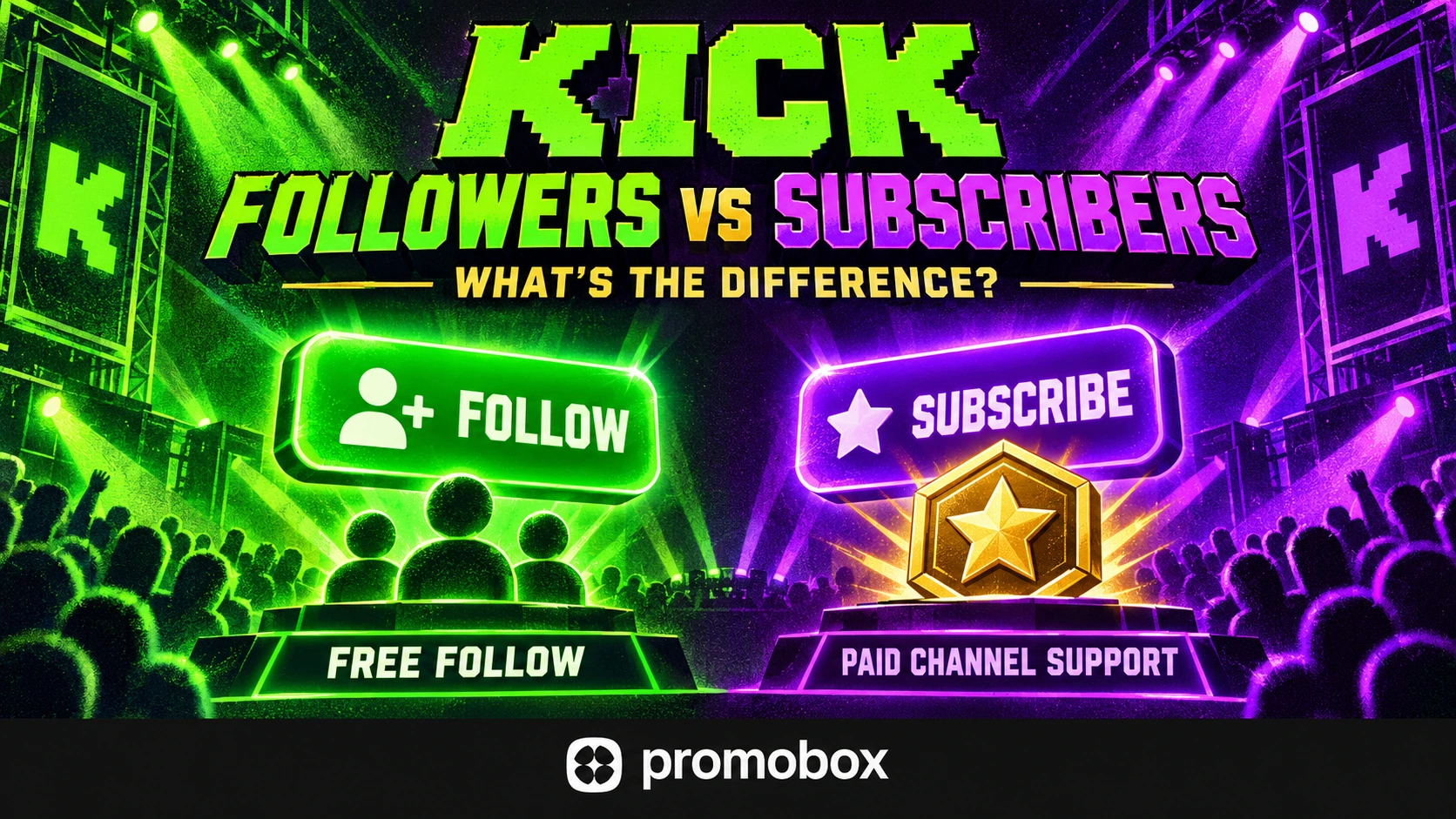
Following a Kick channel is free. Subscribing provides paid channel support and subscriber benefits; with a gifted subscription, someone else pays for the recipient. Followers, current subscribers and concurrent viewers are separate metrics: following does not create a paid subscription, and neither status proves someone is watching right now. For streamers, the distinction matters when measuring audience growth, participation and subscription support.
Kick Followers vs Subscribers at a Glance
| Dimension | Follower | Subscriber |
|---|---|---|
| Main action | Follow a channel | Obtain a channel subscription |
| Payment | Free Follow action | Paid subscription, including gifted subscriptions |
| Main purpose | Keep track of a channel | Support the creator and receive subscription benefits |
| Benefits | Following-list access; live alerts depend on settings | Subscriber benefits such as badges and emotes |
| Metric | Follower count | Current subscriber count |
| Proof of regular viewing | No | No |
These categories overlap. One account can be both a follower and a subscriber, so adding both counts does not produce a unique audience total.
What Following a Kick Channel Does
Following creates a connection between your account and a channel without requiring a subscription payment. Kick’s guide to following a livestream describes three steps:
- Log in to your Kick account.
- Open the channel you want to follow.
- Select Follow below the stream.
The channel then appears in your Following list. Kick’s homepage guide explains that followed channels are shown as live or offline, helping viewers find them again.
Following and enabling notifications are separate actions. Alerts also depend on Kick settings and browser or device permissions, as explained in Notifications not arriving on Kick.
A follower total is therefore not the number of people notified about every broadcast—or the number who will return to watch it.
What a Kick Subscription Adds
A Kick subscription provides paid support for a channel and access to subscriber benefits. Kick lists subscriber badges, channel emotes and access to subscriber-only chat when that mode is enabled. Additional benefits can vary by streamer. See How Kick subscriptions work for viewers.
Subscriptions must be enabled for the channel. Following remains a separate action, not a substitute for subscriber status.
Regular subscriptions automatically renew monthly unless canceled. Cancellation does not immediately remove benefits: they continue until the end of the paid billing period. If renewal fails, benefits end when that period expires.
Do not apply that renewal rule to every subscription type. Gifted subscriptions have a different payment arrangement and do not automatically renew.
For measurement, distinguish current subscriber status from new subscription events during a selected period.
How Gifted Subscriptions Fit into the Comparison
A gifted subscription is paid for by another person. The recipient receives subscriber status and benefits for the applicable gift period without personally purchasing the subscription.
Kick’s gifted subscription guide states that gifts typically last one month and do not renew automatically. Continuing the gift requires another gifted subscription.
This changes how creators should interpret subscriber totals. A current subscriber count does not establish how many recipients personally chose to pay. Some subscriptions may have been purchased for them.
Gifted support is still distinct from a free follow. However, receiving a gift does not prove long-term loyalty, future renewal or regular viewing.
When evaluating ongoing support, separate the gift event from what happens afterward. Did the recipient return? Did they later purchase their own subscription? If you cannot observe those outcomes, do not infer them from the original gift.
Followers, Subscribers and Live Viewers Measure Different Things
Kick’s stream performance guide distinguishes follower totals, current subscriber counts and viewers watching during a live session.
The definitions are:
- Followers: accounts following the channel.
- Current subscribers: accounts with current channel subscriptions.
- Concurrent viewers: people watching the stream at a particular moment.
Hypothetical channel example
A channel has 2,000 followers, 60 current subscribers and 25 concurrent viewers at a particular moment.
Those figures can coexist without contradiction. The follower total represents an ongoing account relationship. The subscriber total represents current subscription status. The viewer count describes that moment in the broadcast.
The figures do not show which people belong to multiple groups. You cannot assume that all 60 subscribers are watching or that every one of the 25 viewers follows the channel.
Dividing 60 by 2,000 gives 3%, but that is a ratio between two totals—not a measured follower-to-subscriber conversion rate.
A conversion measurement would require a defined follower cohort and evidence that members of that cohort became subscribers during a specified period. Gifted subscriptions would also need to be handled explicitly.
Follower-Only Chat vs Subscriber-Only Chat
Follower-only and subscriber-only modes control who can send chat messages.
According to Kick’s moderation features guide:
- Follower-only chat restricts participation to followers and can require new followers to wait before chatting.
- Subscriber-only chat restricts participation to subscribers.
Following a channel does not grant subscriber-only chat access. Receiving a gifted subscription provides subscriber status for its active period.
These are chat permissions, not measures of audience size. Restricting chat participation does not, by itself, make the stream subscriber-only to watch.
When interpreting chat activity, record the mode used. A broadcast with restricted chat is not directly comparable to one where newcomers can participate immediately.
Which Metrics Should a Streamer Track?
Use several signals together rather than treating follower growth as proof that every other part of the channel is improving.
| Question | Evidence to examine |
|---|---|
| Is the following audience growing? | Follower totals and followers gained over a period |
| Are people watching streams? | Concurrent viewer patterns across broadcasts |
| Are viewers participating? | Chat activity and interaction |
| Is subscription support continuing? | New subscriptions, resubscriptions and current subscriber totals |
Separate current totals from period activity
A follower total is a snapshot. Followers gained during a broadcast describe activity within that session.
Likewise, current subscribers and new subscription events answer different questions. Keep the reporting period visible and distinguish gifted subscriptions where that information is available.
If you only have beginning and ending follower totals, describe their difference as a net change. It does not necessarily represent every new follow, because unfollows may also occur.
Compare similar broadcasts
Compare equivalent periods and streams with similar duration, format and scheduling. A short special event and a long routine broadcast provide different opportunities for follows, subscriptions and chat messages.
Review the viewer pattern across the session rather than selecting one unusually high moment. Note changes in content or promotion as context, without assuming they caused every change in the numbers.
There is no universal follower-to-viewer ratio or subscription conversion benchmark that establishes success for every channel.
Make each audience action understandable
Explain your schedule so viewers know when to return. Give a relevant Follow prompt and describe the subscriber benefits actually available on your channel.
Then review viewing and participation in later broadcasts. Familiar names in chat can provide qualitative evidence of return visits, but they are not a complete count of returning viewers.
If follower growth is your campaign goal, measure it separately from recurring viewing and financial support.
Where Kick Followers Promotion Fits
Promobox’s Kick Followers promotion targets the follower metric, not paid Kick channel subscriptions. As checked on October 6, 2026, the ordering interface lists Followers Kick at $0.00209 per follower and Followers Kick [Premium⭐️] at $0.008 per follower, in USD. Prices may change; confirm the selected option before ordering. “Premium” is the Promobox package label, not a paid channel subscription.
A follower order does not automatically create paid subscribers, subscription revenue, concurrent viewers or chat participation. It also does not guarantee Affiliate or Partner eligibility.
For broader context, see the Kick channel growth guide. Evaluate any campaign against the metric it targets, while checking viewing and participation separately.
A Channel Measurement Checklist
- Identify the figure. Confirm whether it means followers, current subscribers or concurrent viewers.
- Define the period. Separate current totals from follows and subscription events during a broadcast or reporting window.
- Account for gifts. Do not assume every subscriber personally paid or will renew.
- Review participation. Examine viewing patterns and chat alongside follower growth, noting any chat restrictions.
- Match the action to the goal. Distinguish follower promotion, paid subscription support and live viewing before selecting a service or evaluating results.
About the author



Leave a Reply