


To see where your YouTube viewers come from, open YouTube Studio, select Analytics → Audience, and find Top geographies. This report ranks locations by watch time, not automatically by views. For a country-by-country breakdown, open Advanced Mode or See More, set your dates and choose Geography. Check the selected metric before interpreting the results. YouTube’s Audience report documentation explains what Top geographies measures.
Where to Find Your Audience’s Countries in YouTube Studio
On desktop, follow this sequence:
- Open YouTube Studio for the correct channel.
- Select Analytics.
- Open Audience and locate Top geographies.
- Select Advanced Mode or See More to expand the analysis.
- Set the date range and choose Geography as the breakdown.
- Check the metric displayed in the table before recording your results.
YouTube is gradually introducing an updated Studio experience, so labels and layout can vary. Its Advanced Mode guide describes the controls for content, dates, breakdowns and metrics.
Use the following distinctions when reading your YouTube Studio geography report:
| Report or metric | What to check |
|---|---|
| Top geographies | Locations contributing the most watch time |
| Views by geography | Views attributed to each displayed country or region |
| Watch time by geography | Viewing time attributed to each displayed location |
| Country share | A country’s selected metric divided by the matching report total |
A country’s view count is not a count of individual people. Keep the metric name in your notes: “views from Canada” and “viewers in Canada” are not interchangeable descriptions.
Before taking a screenshot or exporting a report, record the content scope and dates too. Without those details, a country percentage becomes difficult to compare with your next check.
How to Check Geography for a Specific Video
In Advanced Mode, use the content selector to choose an individual video instead of the entire channel. Set the period, select Geography and inspect the available metrics.
For comparisons, use Add comparison. To keep a copy, use Export current view after configuring the report. YouTube adjusts compatible metrics and filters according to the selected view; not every combination is available.
The distinction between channel and video data matters. A channel total answers where viewing came from across the selected content. A video report answers the narrower question of where that particular upload received viewing during the chosen period.
For repeatable checks:
- Compare the same video across equal-length periods.
- When comparing different videos, note their publication dates and stages after release.
- Keep filters consistent rather than comparing an unrestricted channel report with a filtered video report.
- Name exported files with the video, dates, metric and any filters.
A lifetime report can help you understand an upload’s accumulated audience. A recent period is more useful when investigating a new campaign or distribution change. Do not treat those two windows as equivalent evidence.
How to Interpret Views and Watch Time by Country
Views describe viewing activity. Watch time describes how much viewing time accumulated. A country can lead on views without leading on watch time if its viewing sessions contribute less time overall.
Compare both measures where the report allows it. Ask two separate questions:
- Where did the video receive the most views?
- Where did viewers contribute the most viewing time?
Neither answer, by itself, establishes purchase intent or commercial value.
Hypothetical example: calculating country share
Suppose a video receives 10,000 total views during the selected period. One country accounts for 2,500 reported views.
Country share of total views = 2,500 ÷ 10,000 × 100 = 25%.
The denominator is the matching report’s total views—not a total from another period, another video or a different metric.
YouTube can withhold country rows while retaining their activity in the report total. Adding only the visible rows may therefore produce a smaller denominator and a different percentage.
For a watch-time share, use the country’s watch time divided by the matching total watch time. Do not divide a country’s views by total watch time or combine the two measures into one percentage.
Also record the absolute country total. A country’s percentage can increase while its views decline if overall traffic falls more sharply. A larger share means a larger proportion of the selected total, not necessarily more viewing.
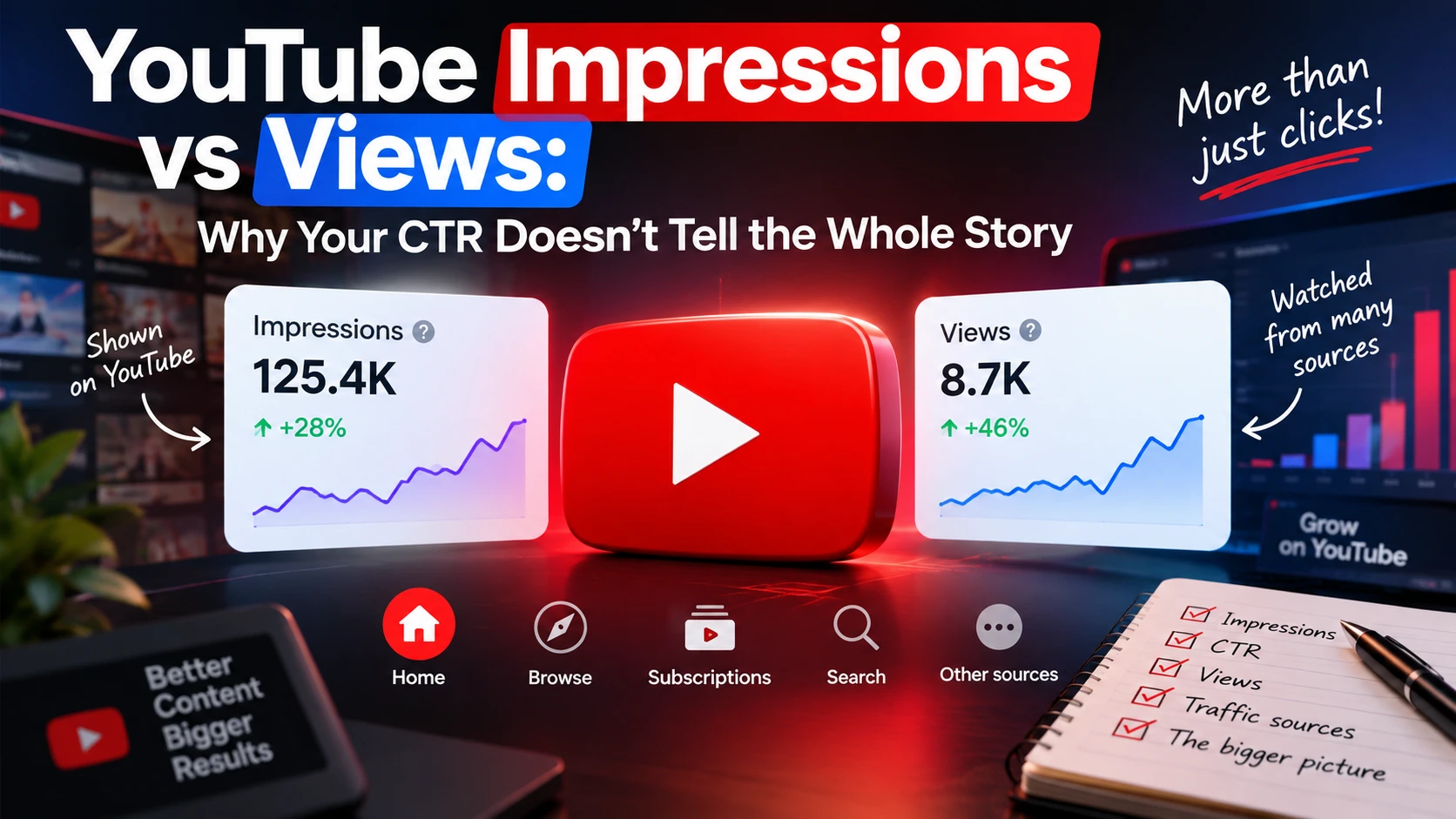
If you are investigating exposure before viewing, remember that impressions and views measure different things. A geographic view share is not an impressions CTR.
Why Your Viewers May Come from Unexpected Countries
Unexpected YouTube audience location is a reason to investigate, not proof of poor-quality traffic or a recommendation-system problem.
Possible explanations include:
- An internationally relevant topic. The subject may interest people beyond your intended market.
- External distribution. A website or community may have shared the video with an audience concentrated elsewhere.
- Language accessibility. Subtitles or translated metadata may help additional audiences understand or discover the content.
- A few influential uploads. One or two videos may account for much of the channel’s geographic mix.
- A temporary spike. Your selected period may capture an unusual burst of viewing rather than a sustained pattern.
Treat each explanation as a hypothesis. Start with individual videos, then inspect their traffic-source reports over the same dates. Where the interface supports the relevant filters, narrow the comparison; otherwise, examine the reports separately.
Be careful with attribution. An external traffic increase and a country increase occurring together do not necessarily establish that the external source delivered those country views.
English-language content does not have to receive most of its views from the United States or United Kingdom. Geography alone cannot tell you a viewer’s preferred language, interest in your offer or quality of engagement.
Why Geography Data Is Missing or Does Not Add Up
YouTube may restrict analytics because of privacy, system limitations or reporting thresholds. A missing country row does not necessarily mean that no viewing occurred there.
Withheld rows can still contribute to the report total, which explains why visible country figures may not add up. YouTube does not publish the actual thresholds, so there is no documented minimum view count that guarantees a complete geography report.
Geography data is unavailable in Realtime reports and for private or unlisted videos, regardless of channel traffic. These restrictions are documented in YouTube’s guide to limited analytics data.
When YouTube geography data is missing, check:
- Visibility: Is the video private or unlisted?
- Report type: Are you looking at Realtime rather than a historical report?
- Date range: Try a longer period.
- Filters: Remove unnecessary restrictions.
- Notices: Read any message about insufficient data or top results only.
A broader period or fewer filters may reveal more information, but neither guarantees completeness. If you change the report settings, record that change before comparing the result with an earlier export.
Leave unavailable data marked as unavailable. Do not assign the unexplained difference to a country or describe a hidden row as zero.
What to Do When Your Target Country Gets Few Views
Begin with a defined market objective rather than a universal list of “best countries.” Your intended audience might be people who can buy a locally available product, attend an event or use a country-specific tutorial.
Work through these checks:
- Define the market and the reason for targeting it. Specify what makes the content relevant there. A country choice without a business or editorial reason is difficult to evaluate.
- Establish a baseline. Record the country’s views, watch time where available, percentage share, report total and dates. Keep the content scope consistent.
- Find videos already attracting that market. Examine their subjects, language and distribution. Treat them as candidates for further investigation, not proof that every similar upload will perform the same way.
- Review accessibility and relevance. Check spoken language, subtitles, titles, descriptions and examples. Does the video answer a question relevant to the intended audience? Are its product details or instructions applicable there?
- Review distribution. Identify websites, communities, partners or other channels that genuinely reach the intended audience. Check whether sharing the video is relevant and permitted.
- Compare subsequent periods. Keep a dated record of content edits, new uploads, external placements and campaigns alongside the results.
If several changes happen together, the geography report cannot isolate their individual effects. A shift after adding subtitles, for example, does not by itself prove that subtitles caused it.
Do not judge a market solely by its percentage of views. Examine the available viewing data alongside the outcome that matters to your project. More geographic traffic is not automatically more product demand, better engagement or higher revenue.
Where Country-Targeted Promotion Fits
Promobox offers country-targeted YouTube views for readers considering promotion aimed at a specified country. Keep that geographic targeting separate from organic audience development.
Purchased views do not establish product demand or guarantee engaged viewers, recommendations, rankings or revenue. Record any campaign alongside your analytics so that changes during promotion are not presented as evidence of organic growth.
Promobox Country-Targeted Views Prices
The following USD rates were checked in the service page’s order form on October 5, 2026. This is a selection of listed options, not the complete country catalog.
| Listed service | Price per view, USD | Calculated amount for 1,000 views |
|---|---|---|
| Views USA [Native] | $0.01222 | $12.22 |
| Views USA | $0.018 | $18.00 |
| Views France | $0.009 | $9.00 |
| 🇰🇷 Views South Korea | $0.024 | $24.00 |
The 1,000-view amounts are arithmetic conversions of the displayed unit rates, not separate fixed packages. Service names are product labels, not independent verification of audience characteristics or delivery methods.
Before ordering, check the selected option’s quantity limits, conditions and final total. Prices can change. An order quantity is not a guarantee of the views, watch time or country share that YouTube Studio will report.
For broader service-selection context, see the guide to YouTube views by country.
Check YouTube’s fake engagement policy as well: artificial metric inflation is prohibited, and a hired promoter’s methods can affect your channel. A commercial service listing does not establish YouTube approval or policy compliance.
A Monthly Audience Geography Checklist
At each monthly review:
- Keep the comparison consistent: dates, content scope, filters and metric names.
- Record country totals and shares: retain the report total used as the denominator.
- Compare views with watch time: where both are available, inspect them separately.
- Investigate the mix: identify the videos and traffic sources associated with changes.
- Note reporting limitations: distinguish withheld or unavailable data from zero activity.
- Log content and campaign changes: include dates so you can investigate timing without assuming causation.
About the author



Leave a Reply