

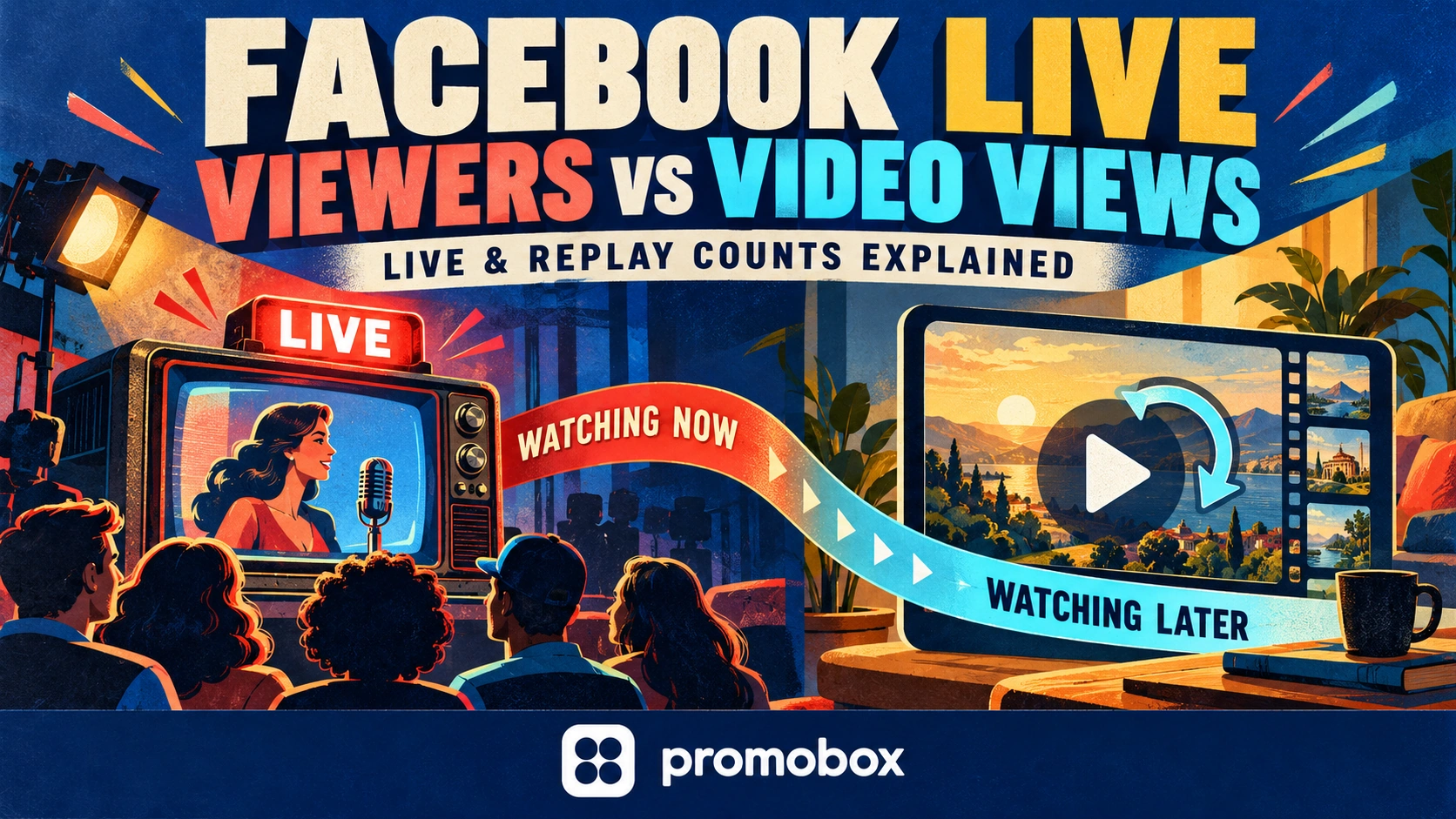
Facebook Live concurrent viewers describe the audience watching at a particular moment. Peak concurrent viewers describe the largest simultaneous audience during the broadcast. Video views accumulate according to the selected metric’s counting rules and reporting period. Viewing can continue after the stream ends while its recording remains available. That is why a modest live audience and a much larger later view count can both be correct: they answer different questions.
Live Viewers, Peak Viewers and Video Views at a Glance
Before comparing two numbers, identify whether each measures simultaneous audience, accumulated viewing or time spent watching.
| Measure | Question it answers | Main interpretation limit |
|---|---|---|
| Current concurrent viewers | How many viewers are watching at this moment? | Not everyone who visited during the broadcast |
| Peak concurrent viewers | What was the largest simultaneous audience during the session? | Not total viewers, average audience or viewing duration |
| Video views | How many viewing events met the selected metric’s counting rules? | Not necessarily distinct people |
| Post-broadcast views | What viewing occurred after the live session ended? | Requires a supported breakdown or a clearly stated measurement method |
| Watch time | How much viewing time accumulated within the report’s scope? | Not a count of individual viewers |
These are measurement concepts, not a promise that every Facebook dashboard exposes five identically named fields. Check the labels and definitions in the report available to your Page or professional account.
A public-facing count is not a substitute for administrator insights. It does not, by itself, establish the reporting interval, how much viewing happened live or how many distinct people watched.
If a report explicitly provides a unique-viewer measure, read its definition and period separately. Do not rename ordinary views “unique viewers” when that measure is unavailable.
Why a Stream Can Have 50 Live Viewers and Hundreds of Views
A simultaneous audience is a snapshot. An accumulated view count records qualifying viewing events across a period.
People can arrive at different times. Some leave before others join. The audience watching near the beginning may therefore differ from the audience watching the final segment, even if the live counter shows a similar number at both moments.
A peak of 50 means the simultaneous audience reached 50 at its highest point. It does not mean that only 50 people encountered the broadcast throughout the session.
Later viewing introduces another distinction. Someone who watches the available recording after the event contributes to post-broadcast viewing, not to the audience that watched simultaneously during the original stream.
Neither the peak nor the cumulative count lets you reconstruct the exact number of distinct viewers. That requires an appropriately defined audience measure, if the report provides one.
Your Page’s follower base is another separate number. The Facebook Followers guide covers Page audience options; a follower count should not be used as the audience count for a particular broadcast.
What Changes After the Broadcast Ends
An active broadcast and its available recording represent different viewing phases.
For reporting, distinguish:
- viewing counted while the broadcast was live;
- viewing counted after the session ended;
- a total that combines those phases;
- viewing of separately published clips or uploads.
A figure checked several days later may cover more than the live session. Confirm its scope before describing it as “live views” or “replay views.”
Also distinguish watching a recording after the broadcast from playing the same video again. They are not interchangeable descriptions. A person can watch the recording for the first time, while a metric’s treatment of repeat playback depends on its definition.
Keep separately published content separate unless the report explicitly combines it. Do not assume that views of a highlight reel, edited upload or repurposed clip automatically appear in the original broadcast’s count.
Meta announced a unified video publishing experience in Making It Easier to Create Videos on Facebook. That publishing change is a reason to check the content object and reporting surface carefully—not evidence that every video metric has the same definition.
A Worked Example Without Mixing the Counters
Consider this hypothetical broadcast. The numbers illustrate interpretation, not expected performance.
| Observation | Result |
|---|---|
| Broadcast duration | 40 minutes |
| Peak concurrent audience during the broadcast | 50 |
| Selected cumulative view metric at the end | 300 |
| Same metric at a checkpoint seven days later | 900 |
Three conclusions follow:
- The simultaneous peak was 50. This describes the highest concurrent audience, not total attendance.
- The cumulative metric showed 300 at the first checkpoint. This is a different measure from peak audience.
- The displayed count increased by 600. The arithmetic is
900 − 300 = 600.
The third statement is deliberately limited. Without a verified live/post-broadcast breakdown, it should not become “600 unique replay viewers.”
Check whether both observations use the same content object, metric, filters and reporting scope. Reporting updates must also be considered before attributing the entire difference to viewing that happened after the first checkpoint.
You cannot calculate average concurrency from these figures. The peak does not show how long that audience stayed, and accumulated views do not provide the distribution of viewers across the 40-minute session.
How to Check Facebook Live Insights
Use the content reporting available to the Page or professional account that published the broadcast. The following is a reporting checklist, not a verified sequence of current menu labels: exact navigation, field names and live/replay filters could not be confirmed for this guide.
- Open the relevant account’s reporting area. Confirm that you have permission to see its insights.
- Select the exact broadcast. Match its link and publication date rather than relying on a similar title.
- Confirm the interval. Establish whether the figure covers a selected date range, the live session or the content’s lifetime.
- Read each metric’s definition. Record any stated viewing threshold and treatment of repeat viewing.
- Check for a supported live/post-broadcast breakdown. If none is available, do not invent one from the total.
- Record the observation. Save the metric label, value, filters, reporting surface and time checked.
Do not assume that every Page, profile, access role or device offers identical reports. Likewise, do not rely on old Creator Studio screenshots as proof of today’s navigation.
Where a unique-viewer figure or a separate live segment is missing, mark it as unavailable. Leaving a field blank with an explanation is more accurate than substituting reach, followers or total views.
Common Reporting Mistakes
Calling peak viewers the total audience
A peak records the highest simultaneous audience. It does not count every person who came and went.
Treating views as unique people
A viewing-event count is not automatically a distinct-person count. Preserve the metric’s actual name and definition.
Adding peak viewers to total views
These are not separate groups that can be summed. Adding 50 peak viewers to 300 views does not produce an audience of 350.
Comparing unequal checkpoints
A recording that has accumulated viewing for seven days has had more opportunity to collect views than a stream that is still running. Compare both broadcasts at equivalent stages.
Comparing different view definitions
Two fields containing the word “views” may have different counting rules. Do not merge them simply because their names look similar, or define every Facebook view as a three-second watch.
Interpreting reactions as viewers
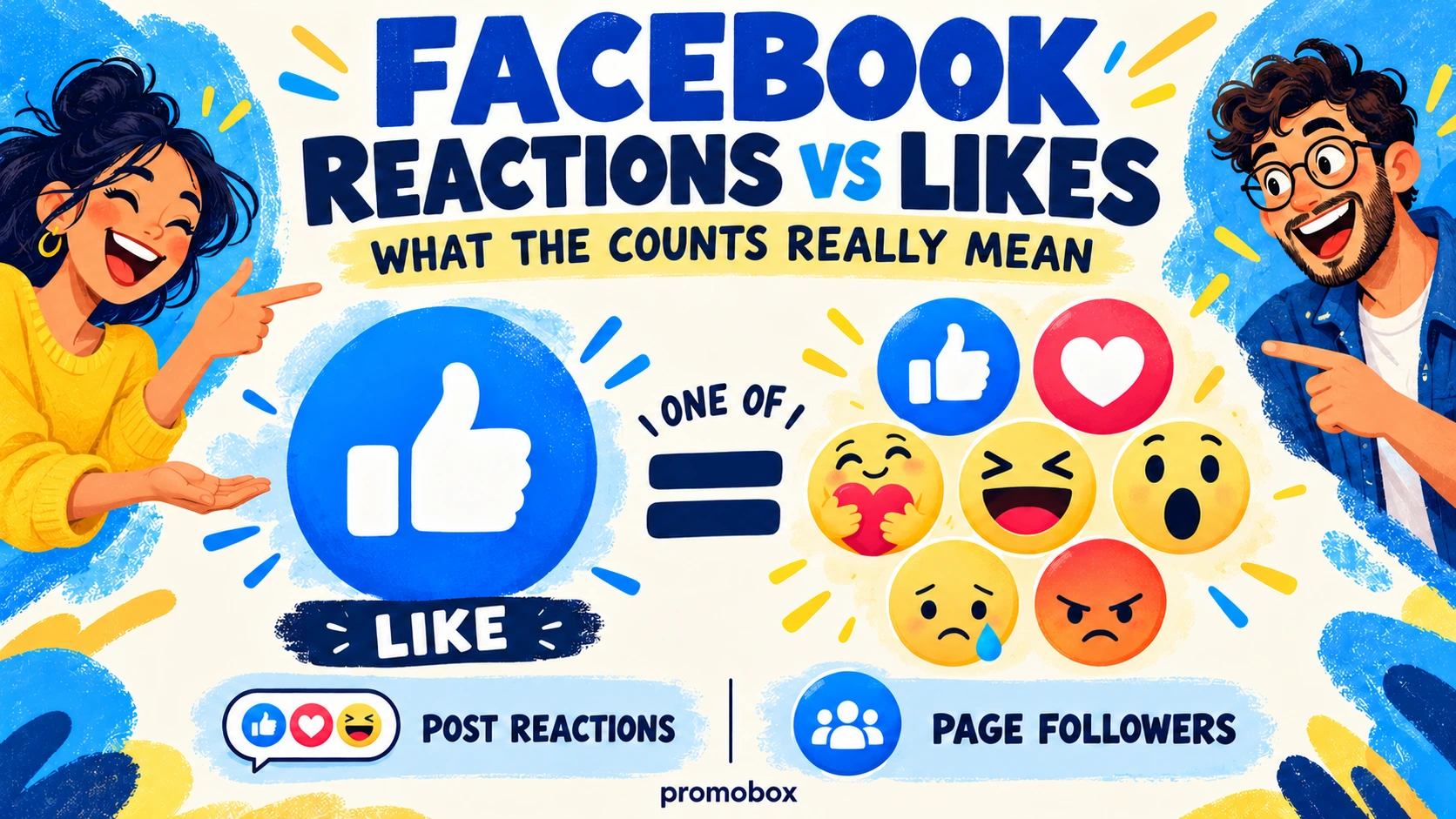
Reactions describe interaction, not simultaneous audience. Facebook Reactions vs Likes explains that distinction between reaction types; neither reaction totals nor likes replace viewing measures.
Leaving promotion out of the report
Record when promotion ran and what it targeted. Otherwise, a change associated with a campaign may be incorrectly presented as unassisted audience growth.
How to Compare Broadcasts Fairly
Choose the question before selecting the headline metric.
| Goal | Evidence to examine |
|---|---|
| Live participation | Available concurrent-audience data and activity during the session |
| Continued viewing | Comparable cumulative checkpoints and a post-broadcast breakdown, where supported |
| Audience interaction | Relevant comments, questions and reactions |
| Website traffic | Measured link visits |
| Enquiries or sales | Recorded enquiries, transactions and the stated attribution method |
One metric does not prove all five outcomes. A higher peak does not establish more sales; a larger later view count does not establish stronger live participation.
A practical reporting sheet can use this structure:
Broadcast → duration → live-audience metric → views at a fixed checkpoint → watch time, if available → promotion notes → business outcome.
Record the exact metric label rather than shortening every audience field to “viewers.” For checkpoints, use a consistent schedule—for example, the end of each broadcast and seven days afterward—and note when the figures were collected.
Compare similar formats and account for duration. A short announcement and a long interview provide different opportunities to accumulate viewing time. There is no universal “good” viewer count that removes the need for this context.
Save the Recording Before It Expires
Meta’s published Facebook Live video storage policy states that new Live broadcasts can be replayed, downloaded or shared for 30 days before automatic removal.
Download recordings you need for longer-term use before that period expires. Do not plan an indefinite replay campaign around a recording that will no longer be available.
Recording availability and analytics retention are separate questions. The storage announcement does not establish that every associated metric disappears on the same deadline. Save the reporting snapshots you need for your own comparisons as well.
Where Facebook Live Promotion Fits
Promobox Facebook Live Stream Views targets active broadcasts. The order form lists viewer options with specified durations, rather than a single undifferentiated video-view package.
Selected prices checked on October 24, 2026:
| Listed option | Price per unit |
|---|---|
| Facebook Live Stream Viewers — 15 minutes | $0.00054 |
| Facebook Live Stream Viewers — 60 minutes | $0.00212 |
| Facebook Live Stream Viewers — 120 minutes | $0.00424 |
These are unit rates, not complete package totals. Check the current quantity, duration, total and delivery conditions before ordering.
The broadcast must be accessible during delivery. Match the service to the live phase, not later recording views. The listing does not establish unique audience or a guaranteed average concurrency. Nor does an order guarantee comments, returning viewers, organic reach, monetization or sales.
Choose the Metric Before Judging the Result
Before finalizing a broadcast report:
- Identify whether the figure is simultaneous or cumulative.
- Confirm its definition, content object and reporting period.
- Separate live and later viewing only where the report supports it.
- Compare equivalent checkpoints.
- Evaluate promotion against the outcome it was intended to influence.
About the author



Leave a Reply