

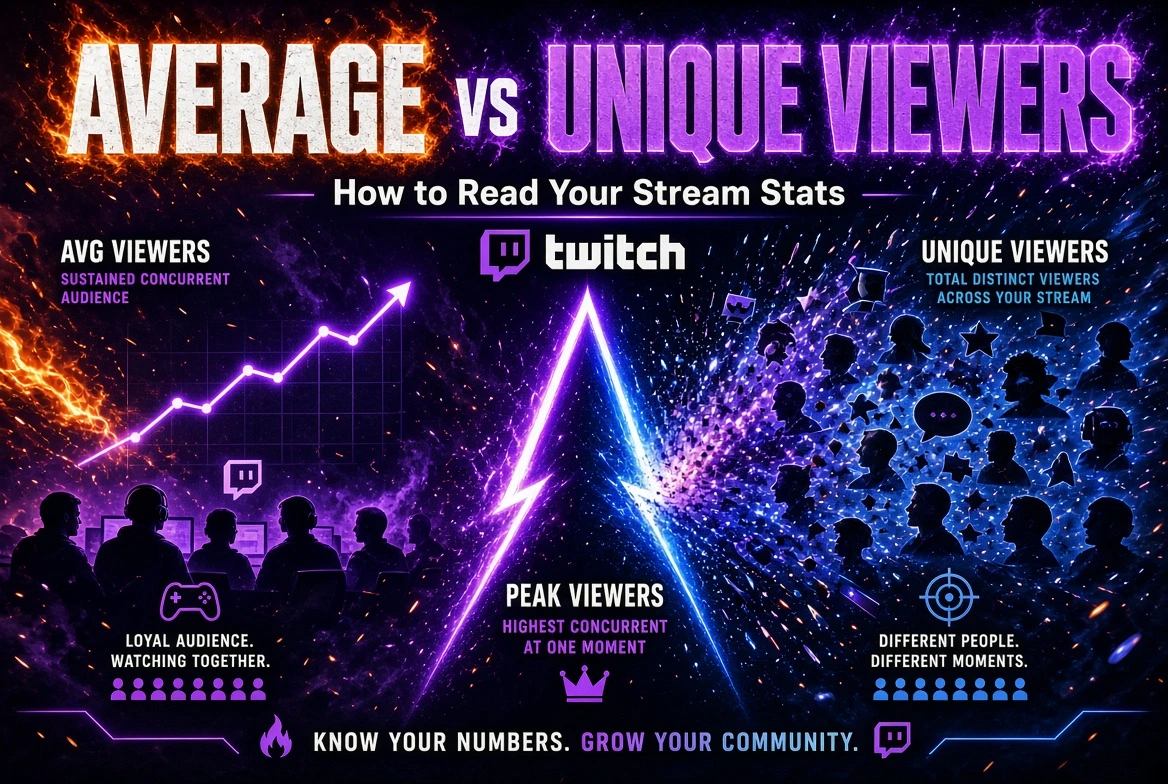
Average Viewers vs Unique Viewers: The Short Answer
Twitch average viewers measures your concurrent audience averaged over broadcast time. Unique viewers counts distinct viewers during the selected reporting period. Peak viewers records the largest audience watching simultaneously. These metrics answer different questions: how much audience you sustained, how many separate viewers visited and how high attendance reached. Hundreds of people can visit a stream without many of them watching together—or staying long.
Twitch’s Analytics Overview explains the reporting fields. Start by checking whether you are reading one stream’s summary or a date-range report: the period changes what the numbers describe.
Twitch Viewer Metrics Compared
| Metric | What it measures | Question it answers | What it does not prove |
|---|---|---|---|
| Average viewers | Concurrent audience averaged over live time | How much simultaneous viewership did I sustain? | How many distinct people visited |
| Unique viewers | Distinct viewers within the reporting period | How many separate viewers watched? | How long they stayed or whether they returned later |
| Peak / Max Viewers | Highest concurrent audience recorded | What was the busiest point? | That this audience stayed throughout |
| Live Views | Total live-stream views, excluding VOD and clip views | How much live viewing activity was recorded? | An equivalent number of unique people |
Chat participation is a separate measurement. Twitch distinguishes people watching video from accounts connected to chat, including chat-only users and bots. See Twitch’s viewer count explanation.
For the automation distinction, the separate guide to AI chat bots for Twitch explains why generated messages should not be interpreted as independent audience engagement.
How Twitch Calculates Average Viewers
Twitch describes average viewers as concurrent viewership measured across time spent live. Longer portions of a broadcast therefore carry more weight than shorter portions.
Consider this simplified two-hour stream:
- For 30 minutes, 10 viewers watch simultaneously.
- For 90 minutes, 30 viewers watch simultaneously.
The time-weighted average is:
(10 × 30 + 30 × 90) ÷ 120 = 25 average viewers
The first interval contributes 300 viewer-minutes; the second contributes 2,700. Dividing the combined 3,000 viewer-minutes by 120 broadcast minutes gives 25.
This illustrates the averaging principle. It does not reproduce Twitch’s internal sampling, filtering or rounding procedures.
The same weighting matters when combining broadcasts. A one-hour stream averaging 10 viewers and a three-hour stream averaging 30 viewers produce a time-weighted average of 25—not the simple midpoint of 20.
For a manual comparison:
Combined average ≈ sum of each stream’s average × its duration ÷ total duration
Use consistent time units. Calculations based on rounded dashboard figures may not exactly match Twitch’s reported total; use the platform’s period report when available.
Why Unique Viewers Can Be High While Average Viewers Stay Low
Visitors may arrive at different times, watch briefly or leave after a short event. A broadcast can accumulate new arrivals throughout the session while maintaining only a small simultaneous audience.
Here is an illustrative scenario:
- 120 distinct people visit a two-hour stream.
- Each watches for 10 minutes.
- Total viewing time is 120 × 10 = 1,200 viewer-minutes.
- Average concurrent audience is 1,200 ÷ 120 = 10 viewers.
That result assumes all viewing is fully counted within the same two-hour window. It shows why 120 unique viewers and an average of 10 are compatible.
You cannot calculate the peak from those figures. The visits might be spread evenly or concentrated into a short interval. Peak attendance requires information about when viewing overlapped.
Other patterns can produce a similar gap:
- New arrivals replace departing viewers rather than expanding the audience.
- A brief influx is followed by rapid departures.
- The main segment attracts viewers, but the broadcast continues much longer with fewer people watching.
To investigate viewing duration, compare minutes watched per unique viewer across matching periods:
Minutes watched ÷ unique viewers = aggregate viewing minutes per unique viewer
Treat this as a derived comparison, not a session-length or retention report. It can include multiple visits by one person and does not identify which viewers returned.
Why a High Peak Doesn’t Describe the Whole Stream
A brief spike can set a broadcast’s maximum even when attendance is much lower before and afterward. Report the peak alongside the average, then inspect how long the elevated audience lasted.
Mark relevant events against the viewer timeline:
- the start of the main program;
- a guest’s appearance;
- an incoming raid;
- a technical interruption;
- the start or end of a promotion.
If a rise coincides with a raid, that is a reason to investigate traffic sources—not proof that the raid explains every additional viewer. Likewise, a drop near a technical problem does not establish why each person left.
Review the period after the spike. Did attendance settle above the previous baseline, return to it or fall below it? That comparison describes the audience pattern more usefully than the maximum alone.
How to Compare Two Streams Fairly
Build a small comparison sheet with one row per broadcast. Include duration, category, start time, average viewers, unique viewers, peak, minutes watched and event notes.
Use this checklist:
- Match the reporting level. Compare individual streams with individual streams, or equivalent date ranges with each other.
- Account for duration. Longer broadcasts offer more time to accumulate visits and viewing minutes. Higher totals alone do not establish stronger performance.
- Choose comparable sessions. Note differences in topic, category, schedule and format before attributing changes to promotion.
- Read average, unique and peak together. More visitors with a flat average calls for a viewing-duration check, not an automatic success or failure label.
- Compare viewing minutes and genuine participation. Review meaningful questions, responses and discussions separately from automated messages.
- Annotate raids and promotional activity. Record timing and available source evidence rather than assigning all changes to one event.
For example, rising unique viewers alongside falling viewing minutes per unique viewer suggests broader visitation but less aggregate viewing time per visitor. That is a diagnostic observation, not proof that the content became worse.
Do not add individual streams’ unique viewers and label the sum “monthly unique audience.” The same people may appear in several broadcasts. Use a deduplicated period figure if the report provides one.
What to Track After Promoting a Twitch Stream
Separate results during promotion from results on later, comparable broadcasts. Before starting, record a baseline and decide which subsequent sessions you will review.
Look for:
- average attendance that persists after the campaign ends;
- changes in viewing minutes per unique viewer;
- evidence of returning viewers, where available;
- new follows and subscriptions;
- substantive participation from genuine audience members.
Recurring chat participants provide evidence about those participants—not the entire silent audience. A higher subscriber or follower total also does not establish which acquisition source produced it.
Promobox’s Twitch Live Viewers guide covers the commercial offer separately. If assessing the Twitch Live Viewers service, record the ordered activity’s timing and duration so you do not mistake campaign-period figures for a lasting audience baseline.
Ordered activity does not establish organic growth or completion of Affiliate or Partner requirements. Twitch’s fake engagement policy prohibits artificial inflation of channel statistics. Assess the method against platform rules; a service listing is not evidence of Twitch approval.
FAQ
Your visitors do not necessarily watch together or stay for the same duration. A stream can attract many separate people while maintaining a small concurrent audience. Check broadcast length and viewing minutes before treating the gap as a performance problem.
Not automatically. Additional time above your existing average raises the time-weighted result; time below it lowers the result. Extending a broadcast may add viewing minutes or visitors without increasing average viewers. Evaluate the added segment rather than duration alone.
No. Live views is a viewing-volume metric, while unique viewers distinguishes separate viewers within the reporting period. Do not convert live views directly into a people count. Keep the two fields separate when recording campaign results or comparing broadcasts.
You can add the numbers mathematically, but the result is not a deduplicated audience total. Someone who watches several streams can appear in each stream’s count. For monthly reporting, use a unique-viewer figure calculated for the whole month when available.
Being connected to chat alone does not make an account a viewer. Someone can use chat-only mode without watching the broadcast, while a silent viewer can watch without chatting. Chat bots that do not watch video are not counted as viewers.
About the author





Leave a Reply